
How to change the key or tempo of a song
You can shift a recorded song up or down in key without making it faster, and slow it down without changing the pitch. Here's how to do it for practice and rehearsal.
Available on the web, iOS and Android
Key and tempo are separate controls
Older tools changed both at once, like speeding up a tape. Modern pitch shifting changes the key while keeping the tempo, and time stretching changes the tempo while keeping the key.
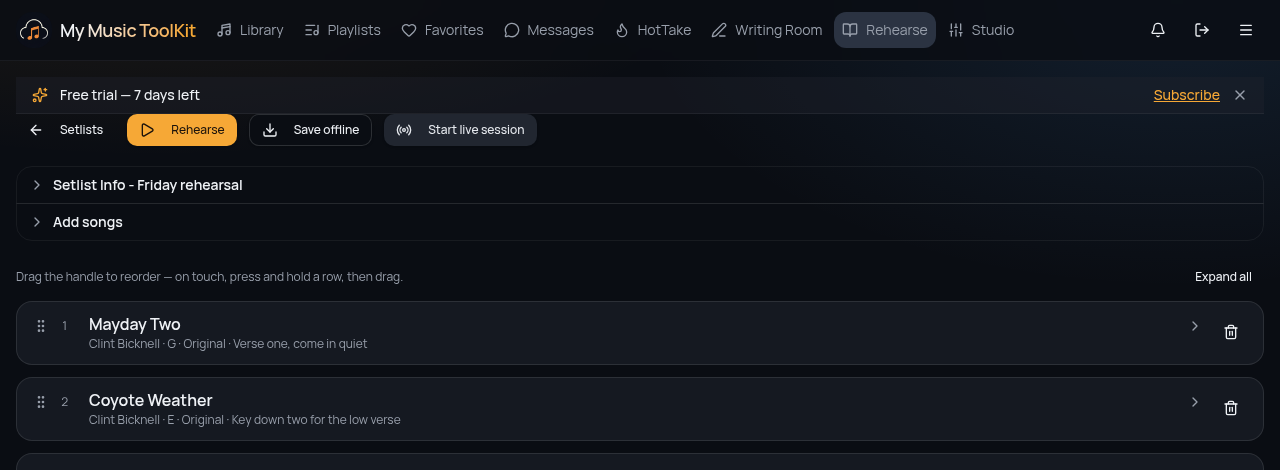
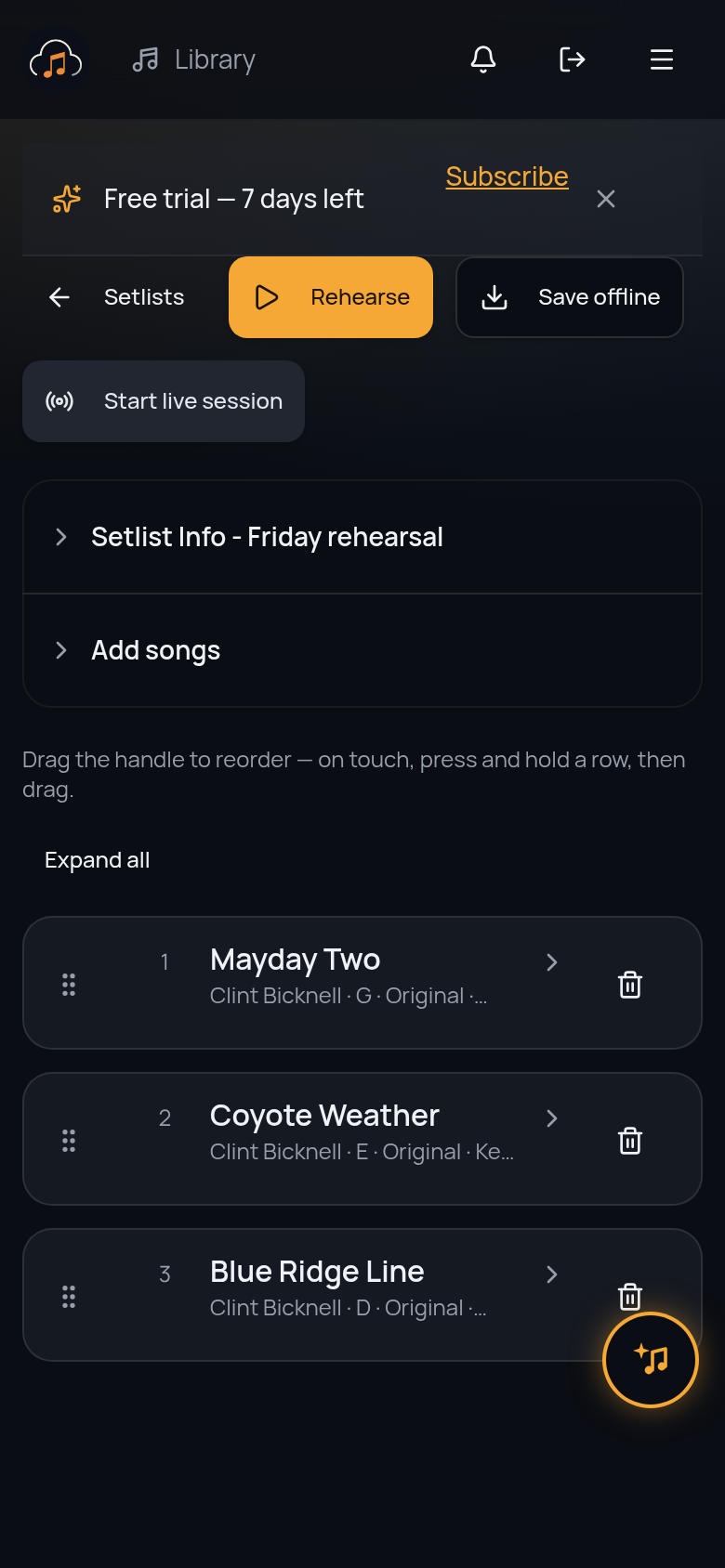
Step 1 — Add the song to a setlist
Put the recording you want to practice into a setlist in Rehearse. It plays straight from your own cloud drive.
Step 2 — Shift the key in half steps
Move the key up or down one semitone at a time until it sits comfortably in your voice. Playback starts in the new key right away.
Step 3 — Adjust the tempo
Slow a hard passage down to learn it, then bring it back to full speed. The key stays where you set it.
Step 4 — Keep your chart in the same key
Transpose the song's chord chart to match, so the chart on your screen agrees with the audio you're playing along with.
Step 5 — Save it for next time
Your key and tempo choices stay with the song in the setlist, so rehearsal picks up where you left off.
Common questions
- How do I change the key of a song without changing the tempo?
- Use a pitch-shift control that works in semitones. In Rehearse, each step up or down changes the key only.
- How many semitones should I transpose for my voice?
- Try one or two half steps at a time; most singers find a comfortable key within three steps up or down.
- Can I change the key of a song on guitar instead?
- Yes — a capo raises the key without new chord shapes. Transposing the recording and the chart is the alternative when you don't want to change your shapes.
- Does it work on my phone?
- Yes. Rehearse works in the browser and in the iPhone and Android apps.
Practice in a key that fits
Start a 7-day free trial — no card needed — and rehearse your songs your way.