What makes the best songwriting app?
The best songwriting app is the one that keeps your ideas, lyrics, charts and recordings together — and leaves the files in your hands. Use this checklist to compare your options.
Available on the web, iOS and Android
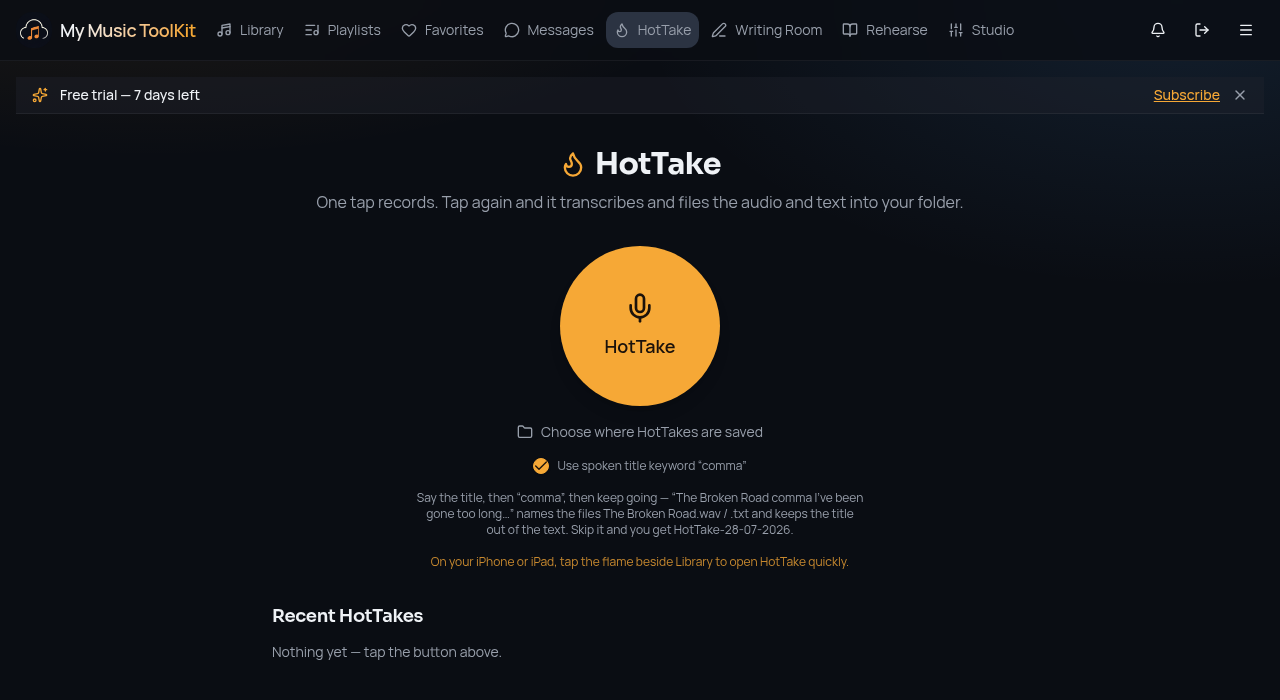
1. Fast idea capture
If capturing an idea takes more than a tap or two, you'll fall back to random voice memos. Look for one-tap recording that files the idea automatically.
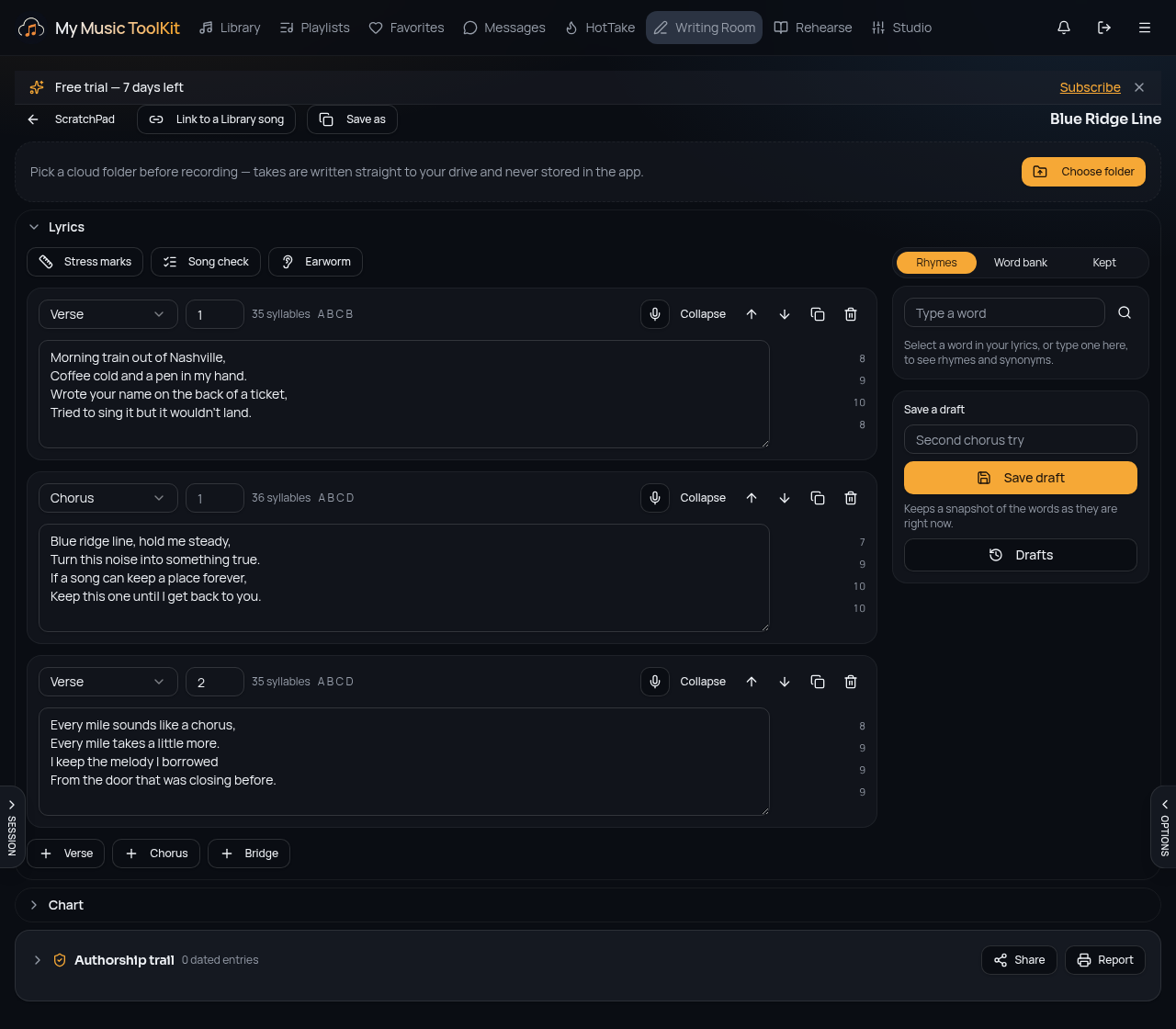
2. Lyrics and recordings in the same place
A good songwriting app links lyric drafts to the takes they belong to, instead of keeping words in one app and audio in another.
3. Chord charts that transpose
Look for charts you can move to another key, with ChordPro or Nashville Number support and clean PDF export for rehearsal.
4. Demo recording and versions
You'll record many versions of a song. Check that each demo stays attached to the song and you can compare them later.
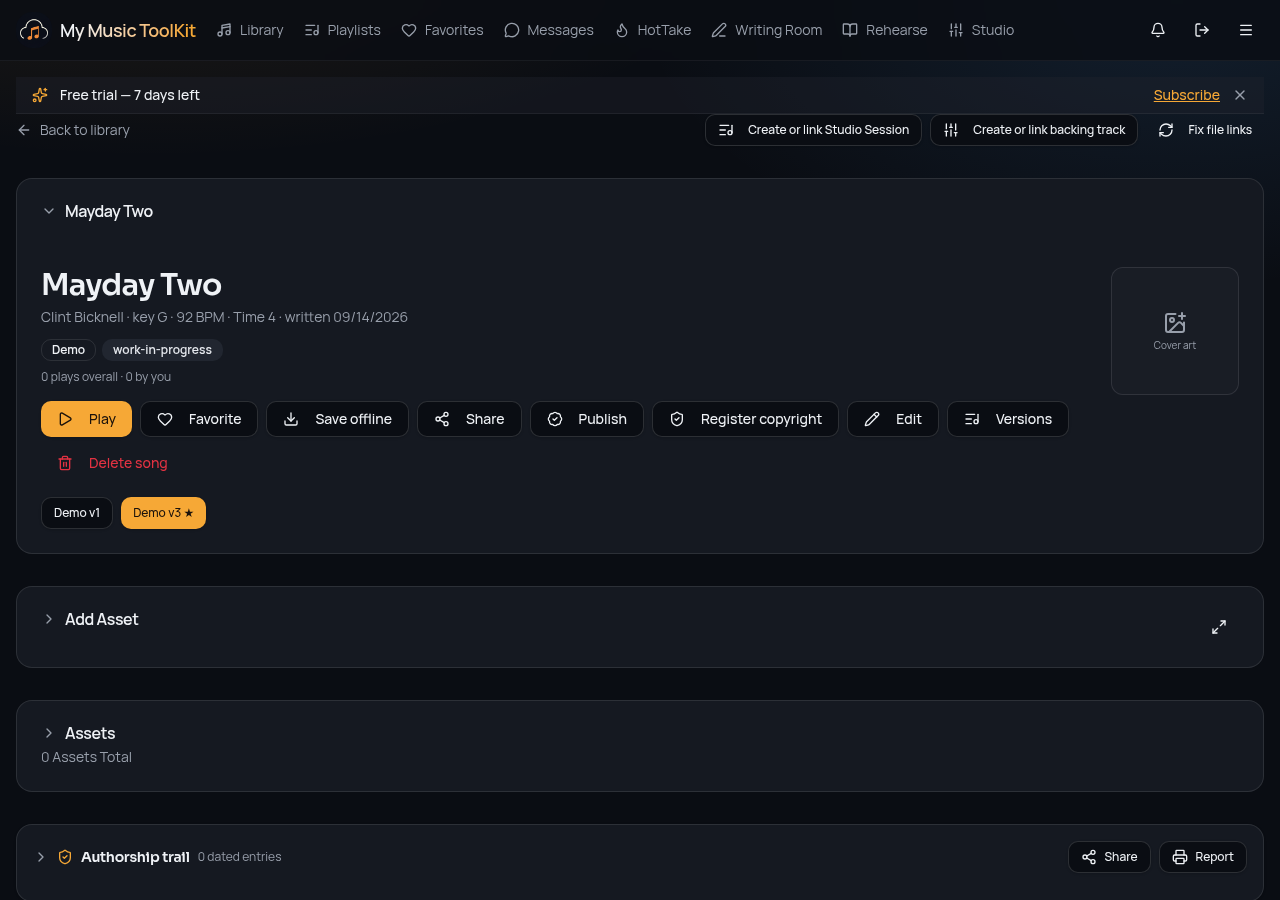
5. You own your files
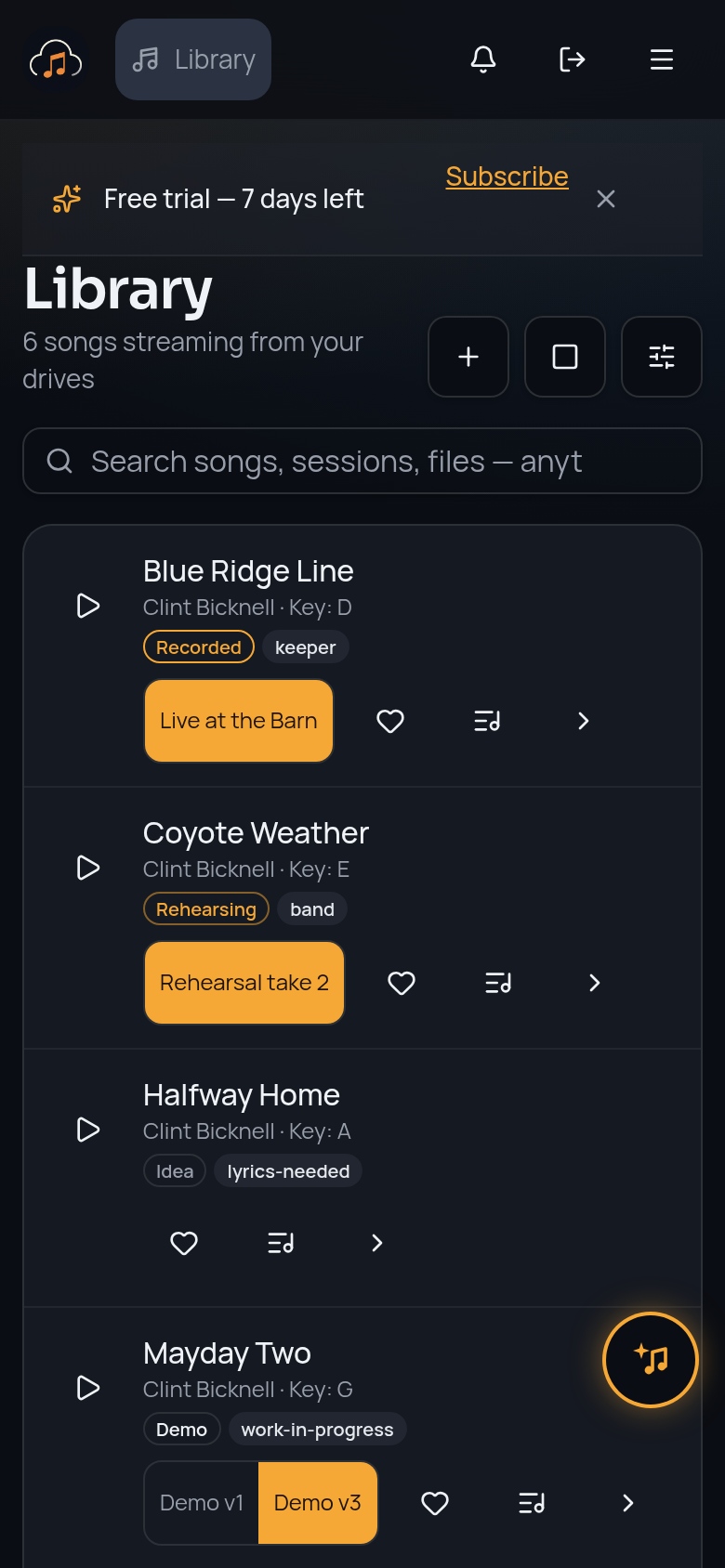
Many apps keep your music on their servers. My Music ToolKit streams from your own Google Drive, OneDrive or Dropbox folder, so you keep the files if you ever leave.
6. Works on every device you write on
Ideas arrive on your phone; finishing happens at a desk. The app should work in the browser and on your phone, with the same Library everywhere. My Music ToolKit runs in the browser and has iPhone and Android apps.
Common questions
- Is there a free songwriting app?
- Many apps have free tiers. My Music ToolKit offers a 7-day free trial with everything included, no card needed, then $9.99 a month or $99 a year.
- What do professional songwriters use?
- Usually a mix: voice memos, a notes app, a recording app and folders. An all-in-one songwriting app replaces that mix with one song record per song.
- Do I need a DAW to write songs?
- No. Not for writing, but when you are ready to start recording and producing your songs — there is a DAW built right into My Music ToolKit. Easily lay down your tracks, then polish it off with Automix, Auto Engineer and Mastering Presets.
- Can I use it with my own cloud storage?
- Yes. You connect one folder on your Google Drive, OneDrive or Dropbox.
Try it against your checklist
Start a 7-day free trial — no card needed — and see if it fits how you write.